Traveler used /notes
Hoyo BuddyAPPToday at 09:41
 Traveler (81xxxxx78)
Full in 1:28:00
Stamina alerts, automated check-ins, code redemption, and showcase cards across all your accounts in Genshin, Star Rail, ZZZ, and more.
Commands
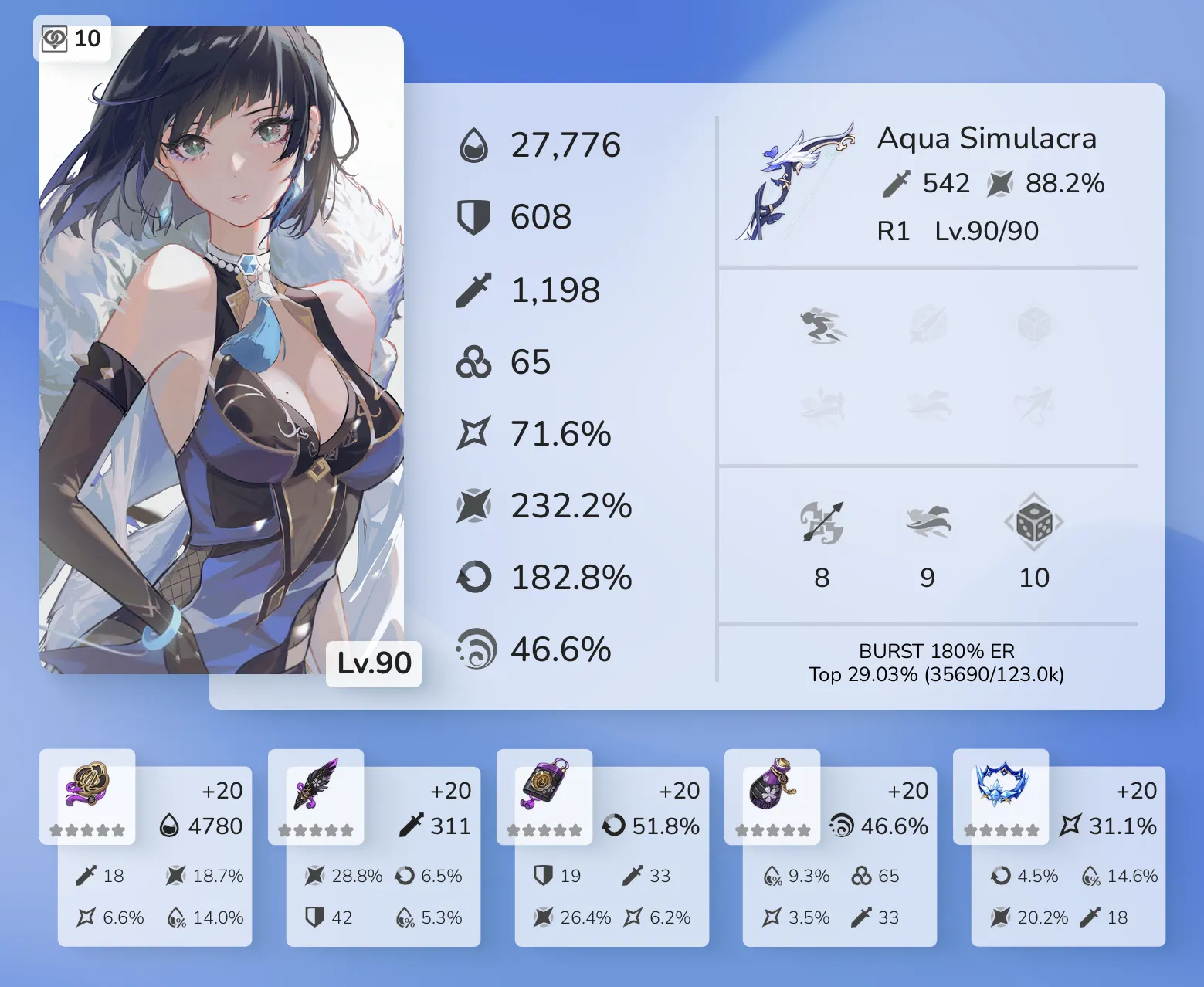
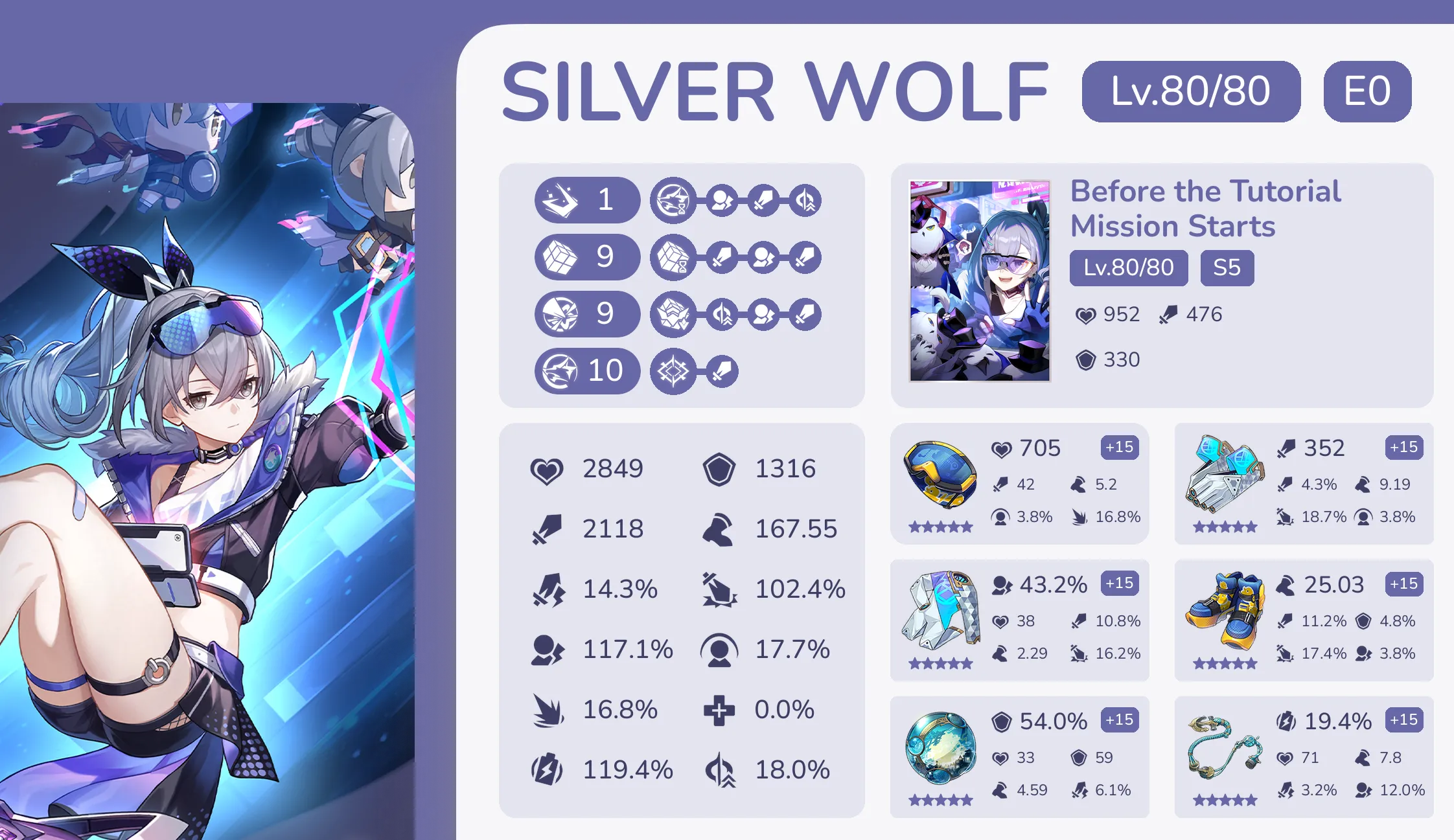
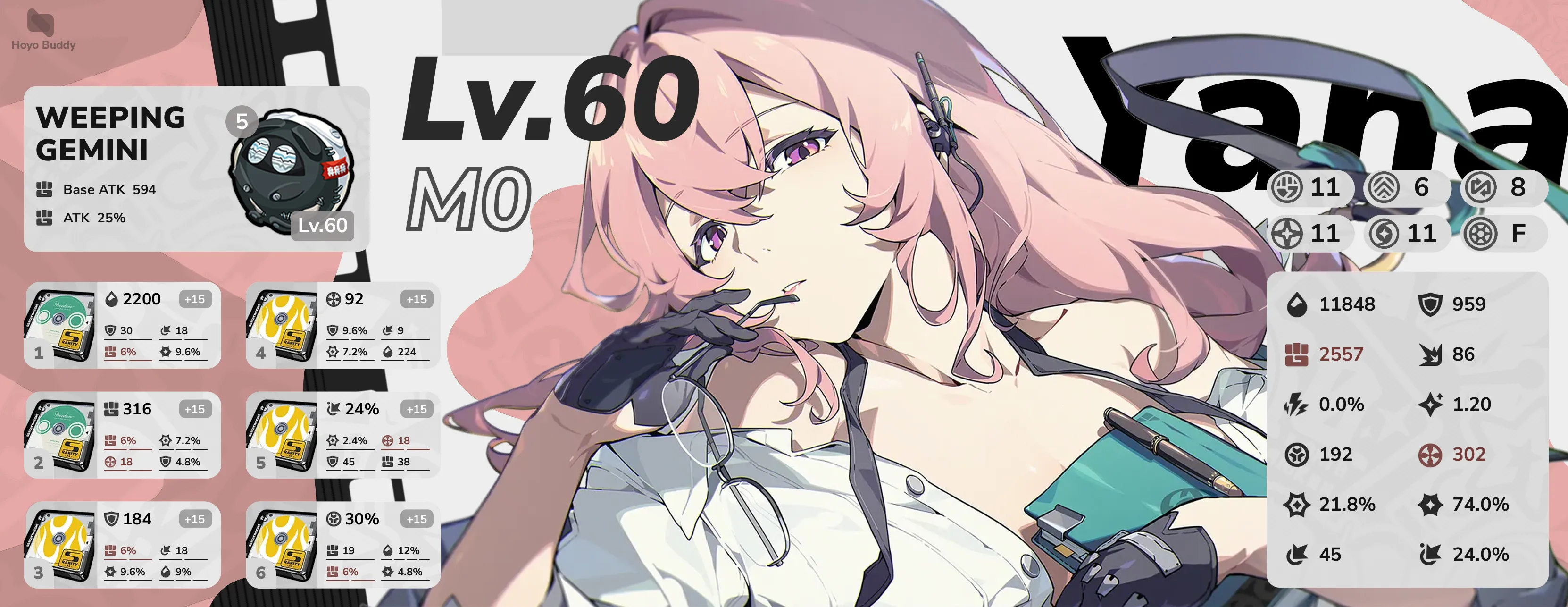
Pick a game and command below to preview live responses and cards generated by the bot.
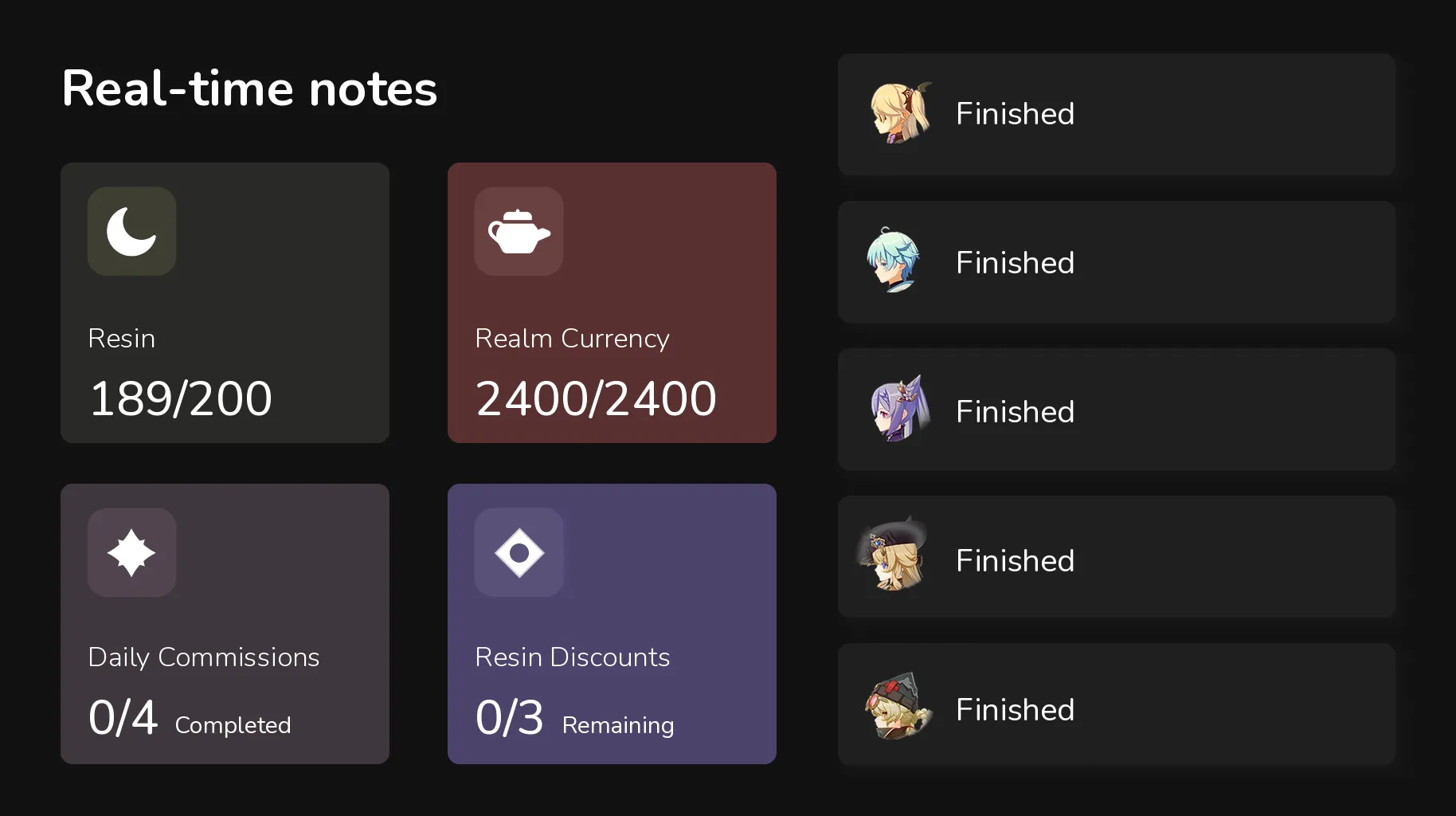
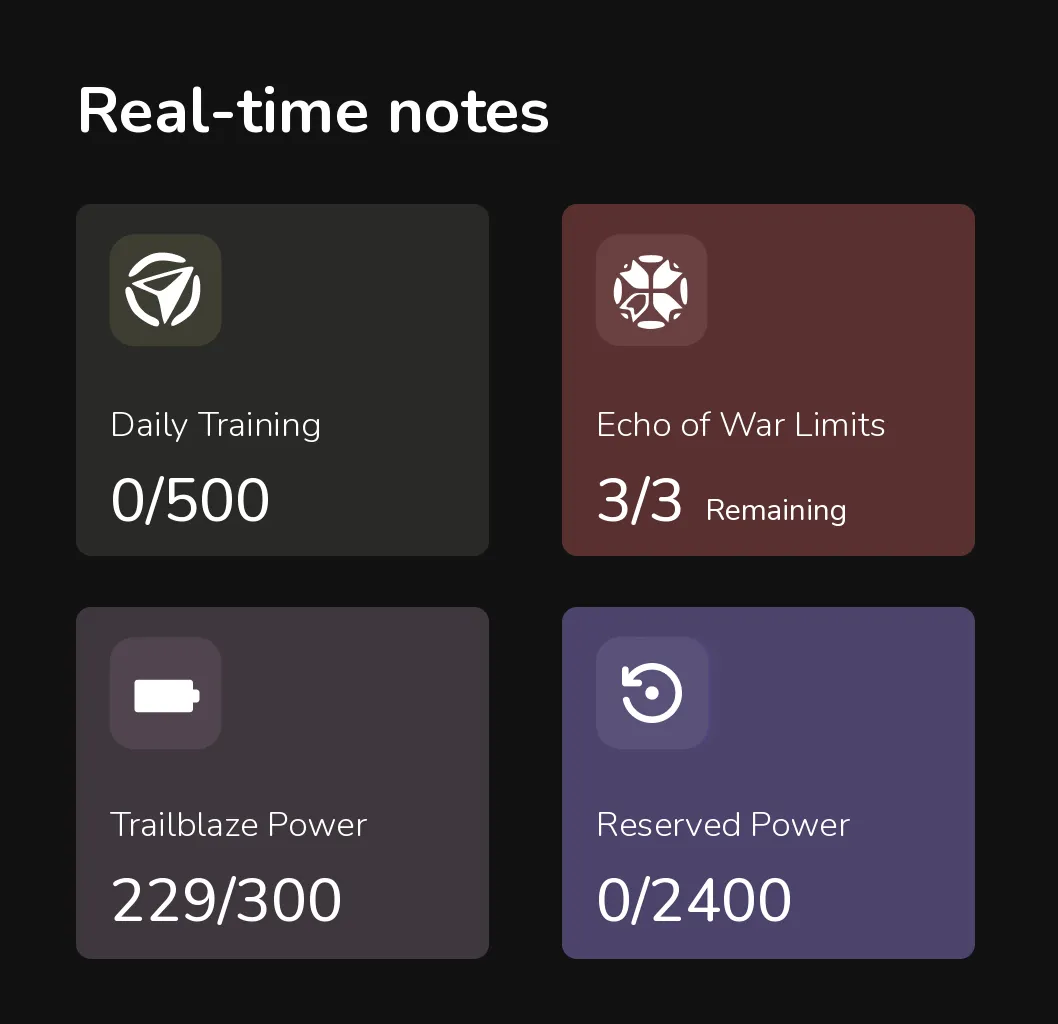
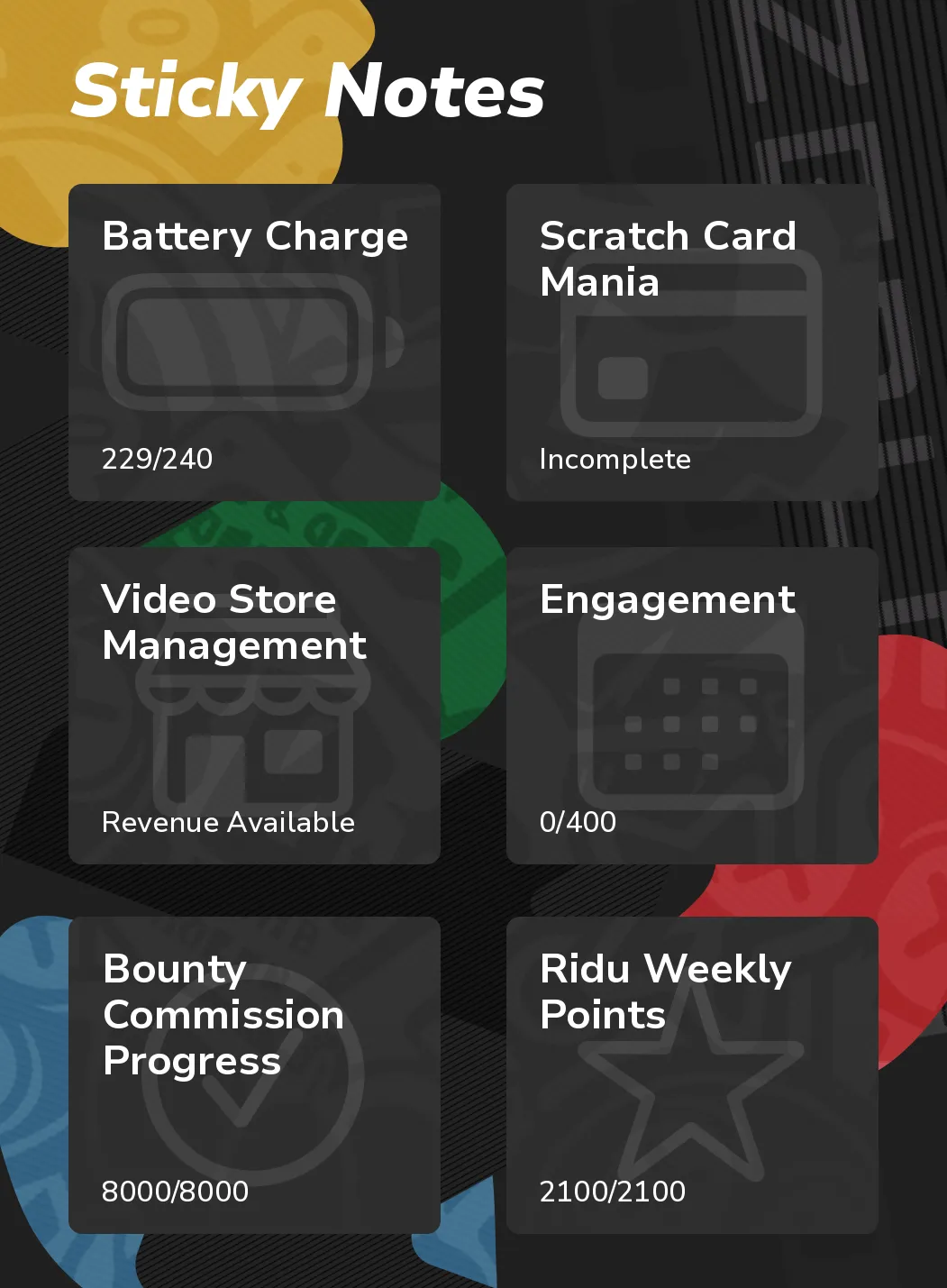
Live resin, stamina, and expedition timers at a glance, with custom DM reminders before they cap.
Traveler used /notes
Hoyo BuddyAPPToday at 09:41
Traveler (81xxxxx78)
Full in 1:28:00
Reminders
Hoyo Buddy monitors your real-time notes in the background and sends a Discord DM before your stamina caps, expeditions return, or daily resets pass.


 /0
Hoyo Buddy · Direct message
Use /notes to configure reminders
Auto tasks
Enable the tasks you want, including daily check-ins, new gift code redemptions, and Traveling Mimo missions. Hoyo Buddy handles them in the background.
Hoyo BuddyAPPToday at 00:04
Traveler (812345678)
Daily Check-In Reward Claimed
Primogem x20

Use /settings to configure notifications
Hoyo BuddyAPPToday at 03:20
Traveler (812345678)
Code Redemption Results
Turn off auto code redemption with /settings
Hoyo BuddyAPPToday at 06:12
Traveler (812345678)
Traveling Mimo: Auto finish tasks and claim points
Hoyo Buddy completed 3 tasks and claimed 60 points for you
Use /settings to configure auto tasks and buy rewards
Free and open source
Read how your data is handled in our Privacy Policy and Account Security guide.
FAQ
Have a question not covered here? Join our Discord server or explore the documentation.
Yes. All the main features are free, and there are no ads. If you enjoy using the bot, you can sponsor the project to help support server hosting and development. Sponsors get a few extra features in return.
Hoyo Buddy supports Genshin Impact, Honkai: Star Rail, Zenless Zone Zero, Honkai Impact 3rd, and Tears of Themis across both global (HoYoLAB) and Chinese (Miyoushe) servers. You can link as many accounts as you want. Feature availability varies slightly by game based on API support; see the Docs for the full list.
No server required. Hoyo Buddy supports Discord's user app standard, so you can install it directly to your personal Discord account. Once installed, slash commands work anywhere you chat: in private DMs, group chats, and servers that don't have the bot. Server administrators can also add it to a server for their entire community.
Run /accounts and choose Add account. The simplest method for global accounts is signing in with your
HoYoverse email and password (third-party logins like Google or Apple ID are not supported by HoYoLAB's web API), which
also enables automatic code redemption. Alternatively, you can log in by pasting your browser cookies.
Miyoushe accounts can sign in using an SMS verification code or a QR code scan.
Your password is never saved. When you sign in, Hoyo Buddy exchanges your credentials for the session cookies
HoYoLAB requires and discards your password immediately. Stored cookies are encrypted at rest with Fernet encryption.
HoYoLAB cookies only grant access to public web data; they cannot log into the game client, change your password,
or reveal private info like your full email or phone number. You can delete your account data at any time with /accounts.
Read more in our Account Security guide and
Privacy Policy.
There have been zero reported game bans from using Hoyo Buddy. The bot interacts exclusively with HoYoLAB and Miyoushe's public web APIs, the same web endpoints accessed when viewing daily notes in a browser. It never modifies game files, injects into game processes, or reads game memory. While automating web requests technically falls outside HoYoLAB's web terms, any potential enforcement would only affect HoYoLAB community access, never your in-game accounts or progress. Read more in our security guide.
Check out the setup guides and command references in the Docs, or join our Discord server to ask questions and chat with the community.
 Trailblazer (80xxxxx12)
 Proxy (15xxxxx90)
 Captain (10xxxxx45)
 Attorney (50xxxxx27)